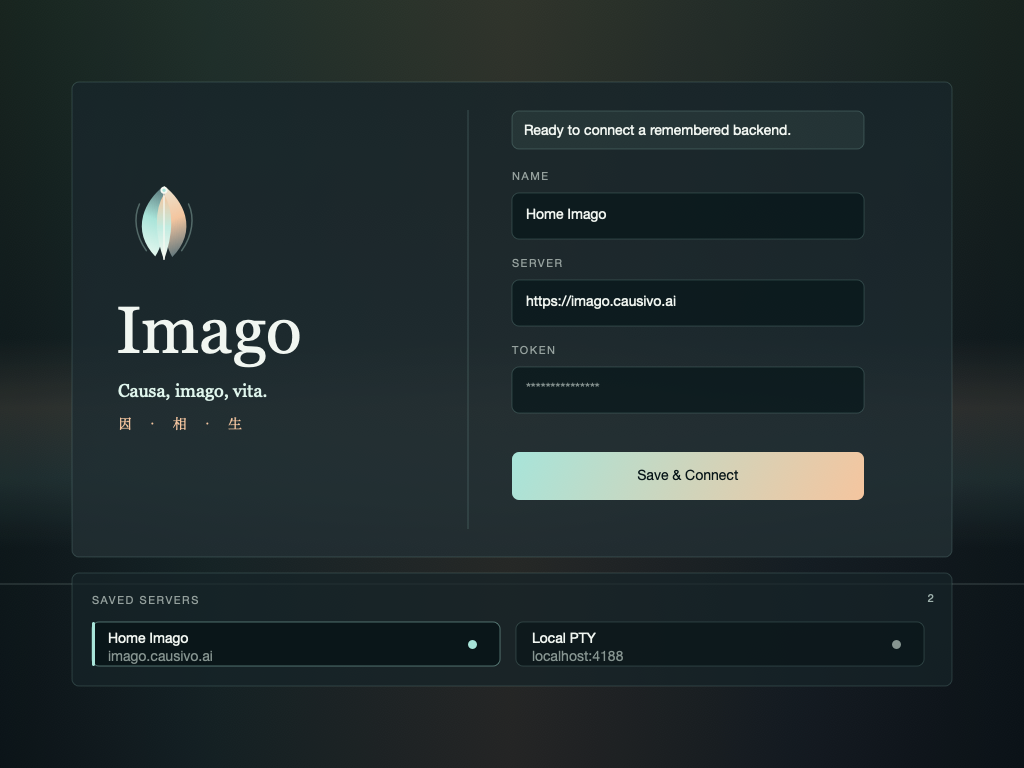
Secure Token Input Local Bridge Server Metadata Background Agent

把本地电脑接入 Imago 控制台

安装 Local Workspace Agent,让 Imago 通过出站通道访问你的本地工作目录。普通用户登录后,在新建 Codex 会话时必须选择该 workspace;Codex/Claude/shell 由本机 agent 在本地目录里启动,服务器只保存元数据、权限、使用量和通道路由。当前支持 macOS、Linux 和 Windows。

Runtime
Local device
Workspace
Local files
Platforms
macOS / Linux / Windows
macOS
Mac 本地工作目录

需要已安装 Node.js 20+ 和 curl,并以 sudo 运行。安装器注册一个开机自启的 LaunchDaemon(以你的用户身份运行),登出 / 重启后都会自动恢复。

标准安装
curl -fsSL https://imago.example.com/install-device-agent.sh | sudo bash -s -- --server https://imago.example.com
指定项目目录
curl -fsSL https://imago.example.com/install-device-agent.sh | sudo bash -s -- \
  --server https://imago.example.com \
  --workspace "$HOME/imago-work" \
  --label "Mac workspace" \
  --device-id "$(hostname)-$(whoami)-imago"
验证和重启
# 重启服务并查看日志
sudo launchctl kickstart -k system/ai.causivo.imago.device-agent
tail -n 30 -f ~/.imago/device-agent/agent.log

交互式安装 推荐让安装器在终端里提示输入 Imago 用户 token,token 不会写入 shell 历史;默认工作目录是 ~/imago-work%USERPROFILE%\imago-work

本地目录进入 Imago 的信号路径

当前版本采用本地 device tunnel。agent 主动上报心跳并轮询本地命令;Imago session 选择该 workspace 后,服务器下发启动命令,本机 agent 在本地目录里启动 Codex/Claude/shell 并回传终端输入输出。

NODE 01LOCAL
你的电脑

选择一个本地目录,例如 ~/imago-work 或项目目录。

NODE 02AGENT
Device Agent

每 30 秒上报心跳,并持续轮询本地 workspace 命令。

NODE 03SERVER
服务器边界

服务器保存 workspace 元数据、用户权限和使用量;普通用户不会获得可写的服务器项目 workspace。

NODE 04CODEX
本机 TUI runtime

Codex/Claude/shell 在本地电脑的 workspace 内运行;服务器不为普通用户启动项目 PTY。

安装器完成的本地设置

三个系统的安装入口不同,但最终都会下载同一个 agent 脚本,写入本地配置,先跑一次注册/心跳,再启动后台服务。

本地文件位置

配置文件里保存 Imago 用户 token,要按密钥处理。Windows 还会写一个计划任务 runner。

# macOS / Linux
~/.imago/device-agent/config.json
~/.imago/device-agent/imago-device-agent.js
~/.imago/device-agent/agent.log

# Windows
%USERPROFILE%\.imago\device-agent\config.json
%USERPROFILE%\.imago\device-agent\imago-device-agent.js
%USERPROFILE%\.imago\device-agent\run-device-agent.ps1
%USERPROFILE%\.imago\device-agent\agent.log

后台服务

安装必须用 sudo / 管理员,三平台统一注册开机自启的系统级守护(以你的用户身份运行),重启 / 登出都不掉线。

macOS     launchd LaunchDaemon(开机自启)
Linux     systemd system 服务(开机自启)
Windows   计划任务 ImagoDeviceAgent,SYSTEM / 开机自启

连接状态

安装器会先执行一次 --once 注册。之后 Imago 收到 sync/poll 后把 workspace 标记为 agent connected

heartbeat interval: 30000 ms
offline threshold: WEB_TUI_DEVICE_AGENT_STALE_MS, default 90000 ms

工作区边界

普通用户默认使用 direct local device tunnel,不上传项目文件快照,也不在服务器启动项目 runtime。只有 legacy server mirror 场景才显式启用 --mirror-files

default: local device tunnel + server metadata
optional: --mirror-files / manual legacy mirror

通用参数和维护命令

首屏是按系统分开的安装流程;这里保留跨系统参数映射和升级命令,方便已有安装只更新 agent 脚本。

安装参数映射

bash 安装器使用长选项,Windows 安装器使用 PowerShell 参数;两边写入的配置字段一致。

macOS / Linux           Windows PowerShell
--server URL            -Server URL
--workspace PATH        -Workspace PATH
--label NAME            -Label NAME
--workspace-id ID       -WorkspaceId ID
--device-id ID          -DeviceId ID
--device-name NAME      -DeviceName NAME
--interval MS           -Interval MS
--shell-bin PATH        -ShellBin PATH
--python-bin PATH       -PythonBin PATH
--uninstall             -Uninstall

只更新 agent 脚本

已有安装可以保留 config.json,只替换脚本并重启对应后台服务。

# macOS / Linux
curl -fsSL https://imago.example.com/device-agent.js \
  -o ~/.imago/device-agent/imago-device-agent.js
chmod 700 ~/.imago/device-agent/imago-device-agent.js

# Windows PowerShell
Invoke-WebRequest -Uri 'https://imago.example.com/device-agent.js' `
  -OutFile "$env:USERPROFILE\.imago\device-agent\imago-device-agent.js" `
  -UseBasicParsing

代理和私有 Node

Windows 安装器会读取系统代理,也支持显式 -Proxy。如果 PATH 没有 Node,会放到本地私有目录。

# Windows PowerShell
Set-ExecutionPolicy -Scope Process -ExecutionPolicy Bypass -Force
$ErrorActionPreference = 'Stop'
try { [Net.ServicePointManager]::SecurityProtocol = [Net.ServicePointManager]::SecurityProtocol -bor 3072 } catch {}
$p = Join-Path $env:TEMP 'install-imago-device-agent.ps1'
Remove-Item $p -Force -ErrorAction SilentlyContinue
$imagoServer = 'https://imago.example.com'
Invoke-WebRequest -Uri "$imagoServer/install-device-agent.ps1" -OutFile $p -UseBasicParsing
& $p -Server $imagoServer -Proxy 'http://127.0.0.1:7890'

private node:
%USERPROFILE%\.imago\device-agent\node-runtime\

agent 运行时选项

这些是 imago-device-agent.js 支持的运行时选项;日常安装通常不需要手动传。

--once                 只注册/心跳一次
--unregister           从服务器解绑该 device workspace
--no-tunnel            关闭本地命令 bridge
--mirror-files         上传文件快照到服务器 mirror,默认关闭
--tunnel-poll-interval agent 命令轮询间隔,默认 500 ms
--max-files            mirror 模式下单次同步文件数上限

完整卸载

卸载会停止后台服务、从 Imago 后台移除对应 device workspace 记录,并删除 agent 配置、脚本和日志;不会删除你选择的本地 workspace 目录。按当前系统复制对应命令。

macOS

launchd 卸载
curl -fsSL https://imago.example.com/install-device-agent.sh | sudo bash -s -- --uninstall

卸载同样需要 sudo 才能移除开机服务。